Decide what the stand needs to achieve.
Before ordering a banner or backdrop, decide what a successful conversation at the event looks like. Are you introducing a new business, demonstrating a product, arranging appointments or collecting enquiries for a particular service? Choose one primary message and one clear next step. This gives the graphics a purpose and helps the team explain the offer consistently throughout the show.
Think about what visitors see while walking past and what they need once they stop. The main display can identify the business and its offer; smaller material can explain details during a conversation. Avoid putting every service, product and qualification on the largest panel. A focused display leaves room for people and products while making it easier to recognise why your business is relevant.
Check the actual booked space and event manual.
Obtain your stand number, dimensions and layout from the organiser before choosing hardware. Establish whether the booking is a shell scheme, space-only area, tabletop position or another format. Check which sides are open and what is included. A photograph from last year is a useful reference, but it does not confirm the arrangements for your current booking.
Read the event’s own exhibitor manual and record its deadlines. Ask about permitted display heights, graphic fixing methods, electrical orders, material documentation and any restrictions relevant to your proposed stand. Requirements can differ between venues and events. Send the relevant instructions to us so the display proposal can be checked against the actual booking rather than a generic exhibition assumption.
Draw the stand before buying the pieces.
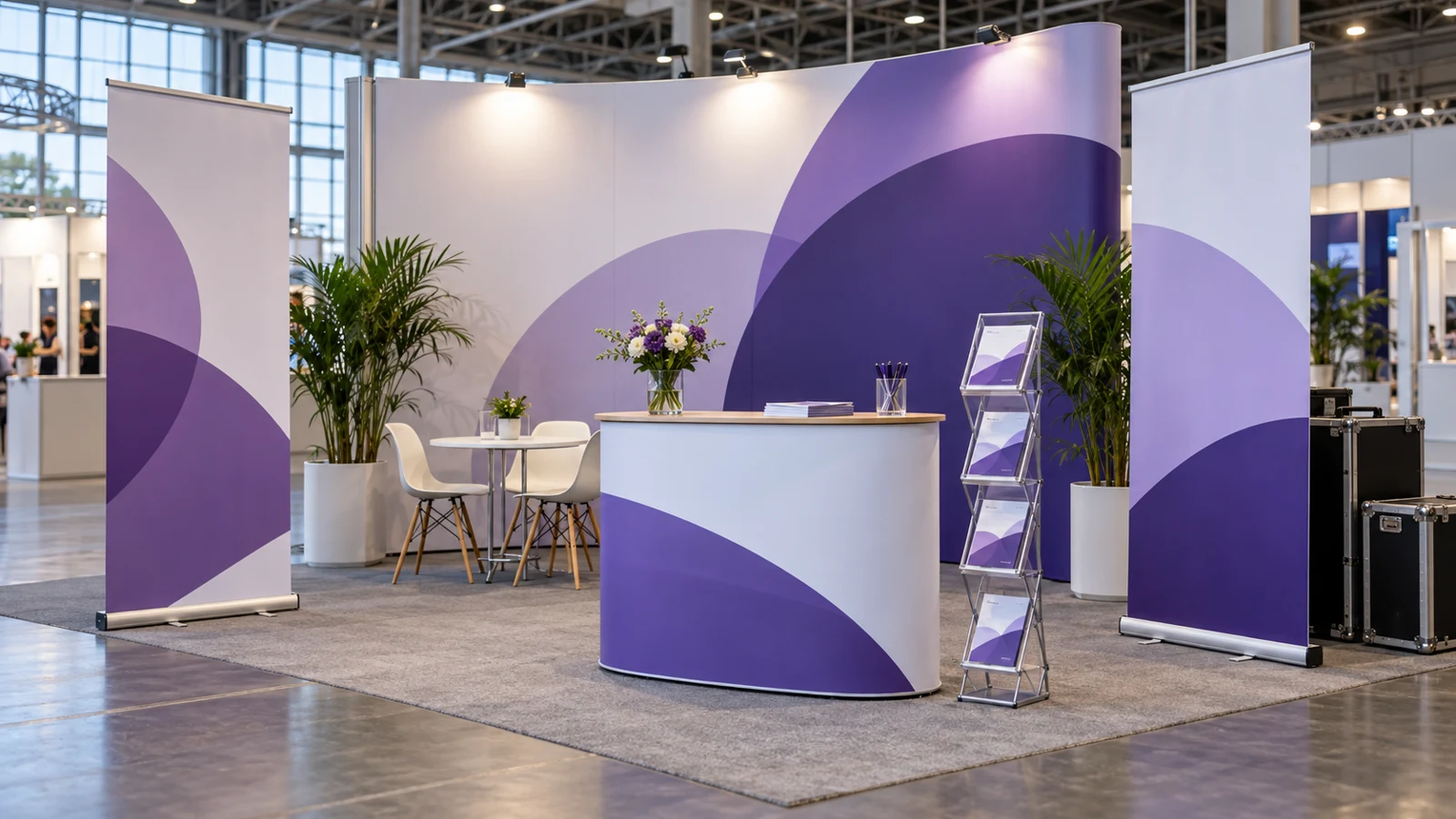
Make a simple plan showing the back wall, open sides, entrance, furniture and any demonstration area. Add the footprint of each proposed display, including its feet or base. A printed width alone does not tell you how much floor space the assembled system occupies. Leave usable space for staff, visitors and conversations, and consider whether a counter or table will obscure the lower part of a graphic.
Walk through the plan as a visitor. Can someone see the main message from the aisle, approach without feeling blocked and understand where to speak to the team? Think about access for different users and keep the layout straightforward. If you need a particular accessibility arrangement, explain it in the brief and check the venue requirements rather than trying to solve it at the final setup stage.
Choose displays around transport and repeated use.
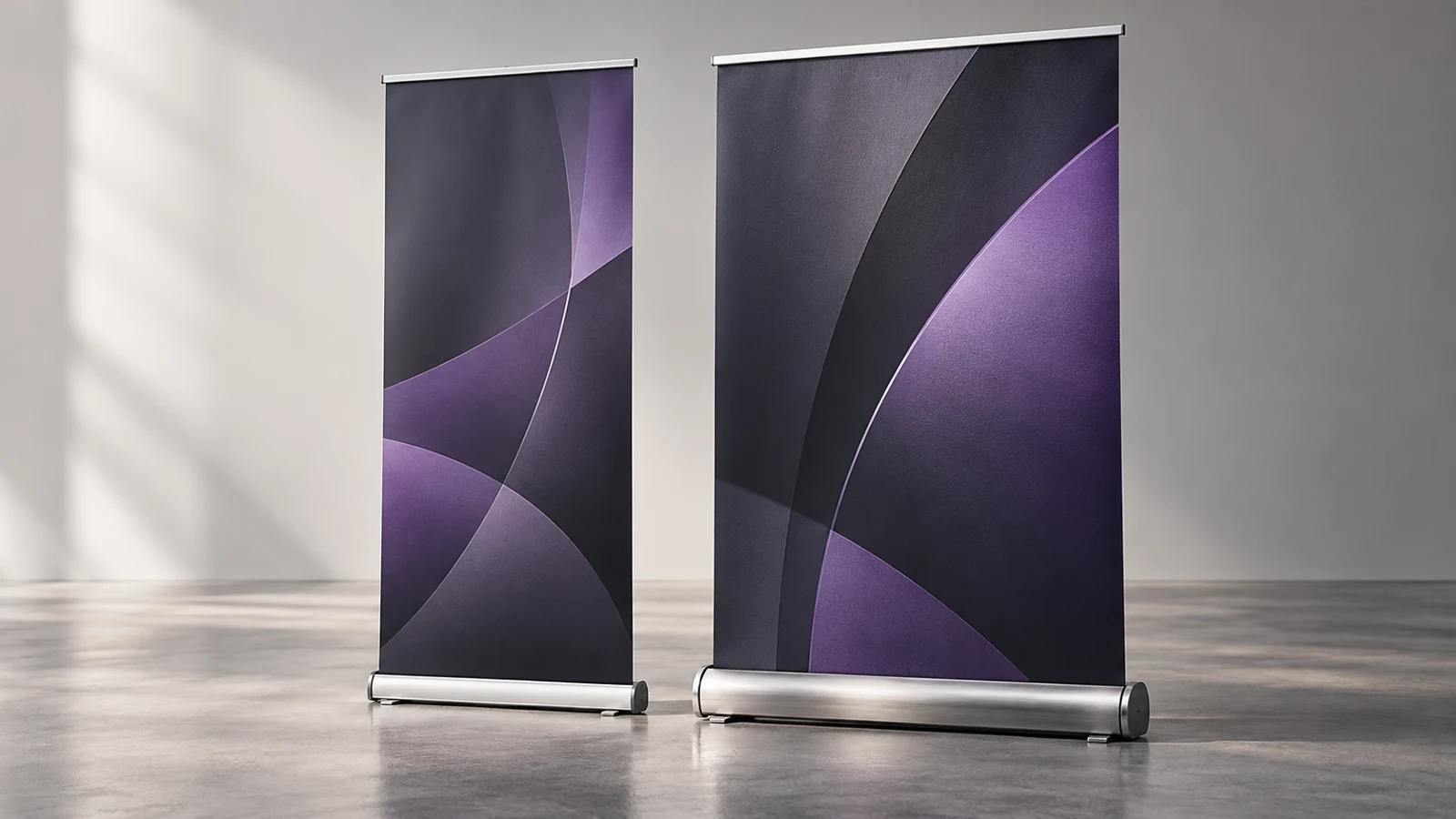
A pull-up banner may suit a compact presentation or a supporting message. A pop-up backdrop or modular system may be worth discussing for a larger branded area. Choose around the events you expect to attend, the transport available and the people assembling the stand. There is little value in selecting an impressive system that cannot travel with the team or be assembled within the available time.
Ask for packed dimensions, case information and assembly instructions before deciding. If you already own hardware, send photographs and any model labels. Replacement graphics need to match the actual system, not merely a similar-looking product. Also ask whether future artwork can be changed independently of the hardware and what details you should retain to make repeat ordering straightforward.
Use the correct template for every graphic.
Request the production template for the chosen display before preparing artwork. A visible graphic size is not necessarily the complete file size: the system may require allowances, hidden areas or panel divisions. Follow the supplied template and keep important wording away from areas identified as hidden or interrupted. Do not reuse a template from a different stand simply because its advertised width is similar.
Supply the best available original logo and images, the exact wording and any brand colour references. Tell us if several pieces must look consistent together. Check proofs at a sensible viewing scale, then verify names, telephone numbers, website addresses and offers separately. Test QR codes from the final proof or an appropriate printed test and make sure their destination is ready before the event.
Plan backwards from the date you need to pack.
The show opening is not the only deadline. Allow time for approving artwork, production, delivery, inspection and a practice assembly before the team travels. Tell us the date the materials must be with you, not just the date of the event. If the display will go directly to a venue, agree that arrangement explicitly, including the delivery window and the person responsible for receiving it.
Venue handling rules matter. For example, Excel London’s courier guidance explains that deliveries are restricted to event tenancy times and that an exhibitor representative or arranged shipping contractor must receive goods; the venue and organiser do not simply accept them on your behalf. Check the current instructions for your own event and pass them to the carrier.
Assemble and inspect everything before departure.
Open the delivery while there is still time to resolve a problem. Check the printed faces against the approved proof, count the pieces and confirm that the hardware and cases are present. Follow the system’s assembly instructions in a suitable space. A trial setup lets the attending staff become familiar with the display and exposes missing information before they are working under pressure at the venue.
Photograph the completed arrangement and include the image with the packing list. Label cases clearly with the business name and a contact number, then keep the instructions with the equipment. Record how pieces are packed so that breakdown is as organised as setup. If any hardware is damaged or does not work as expected, contact the supplier rather than forcing it or improvising a repair.
Prepare a practical show-day kit.
Assign someone to own the checklist. Alongside the display, account for approved literature, business cards, product samples, chargers and the equipment needed for your particular demonstration. Confirm any venue-approved arrangements for power and connectivity. Keep the event contacts, delivery booking and assembly instructions available offline, so the team can find them even if mobile reception is poor during setup.
Plan how enquiries will be recorded and who will follow them up. A clear form or agreed note-taking method helps avoid returning with a stack of business cards and no context. Make the intended follow-up clear to the visitor and use the organisation’s approved process for handling contact information. The graphic should support this conversation with an obvious website, QR code or invitation to speak to the team.
Include pack-down and the next event in the plan.
Check the permitted breakdown time and return transport arrangements in advance. Keep the original cases and protective materials available, and make sure someone knows where they are stored during the show. Pack the display using its instructions, count the components and note damage or missing parts immediately. Store it in conditions appropriate to the product rather than leaving it loose in a vehicle between events.
After the exhibition, review which messages prompted useful conversations and which pieces were actually used. Keep a photo of the stand, the final artwork, hardware details and a short improvement list together. This record makes the next show easier to prepare and helps you decide whether to update a single graphic, change the layout or add a supporting display. Reuse should be planned, not left to memory.
Your project checklist.
- Event objective, main message and visitor next step agreed.
- Stand number, floor plan, open sides and organiser manual checked.
- Hardware footprint, packed sizes and transport confirmed.
- Correct artwork templates used and final proofs approved.
- Required delivery date, receiving contact and venue slot agreed.
- Full practice assembly completed and photographed.
- Cases labelled, instructions packed and components counted.
- Staff briefed on setup, conversations and enquiry handling.
- Breakdown, return transport and storage planned.
Your questions. Answered.
Can you print new graphics for my existing stand?
Send the make, model, original specifications and clear photographs. We need to establish the actual system and template before confirming a replacement graphic. Similar-looking stands can have different fittings and dimensions.
Should I choose a pull-up banner or a larger backdrop?
Start with the booked space, viewing distance, transport and number of events. A pull-up can support a compact message, while a larger display may suit the main visual area. We can discuss the options against your floor plan.
Can you deliver straight to the exhibition venue?
Ask when ordering and provide the event manual, receiving contact, stand details and required delivery window. A venue delivery needs an agreed receiving arrangement; it should not be assumed to work like delivery to your normal business address.
When should artwork be ready?
Work backwards from the date you need to inspect and pack the display, allowing for proof approval and the agreed production and delivery schedule. Tell us your actual deadline before ordering so feasibility can be confirmed.
Sources & further reading.
Sources checked for this draft on 18 October 2026. Product ratings apply to the stated product and test conditions; confirm the current specification for your order.
Put the advice into practice.
Tell us where the sign will go, what it needs to communicate and the date you are working towards. Our Norwich team can discuss the design, materials and fitting around your project.
Visit our Norwich workshop ↗ · Find signage for your sector ↗